
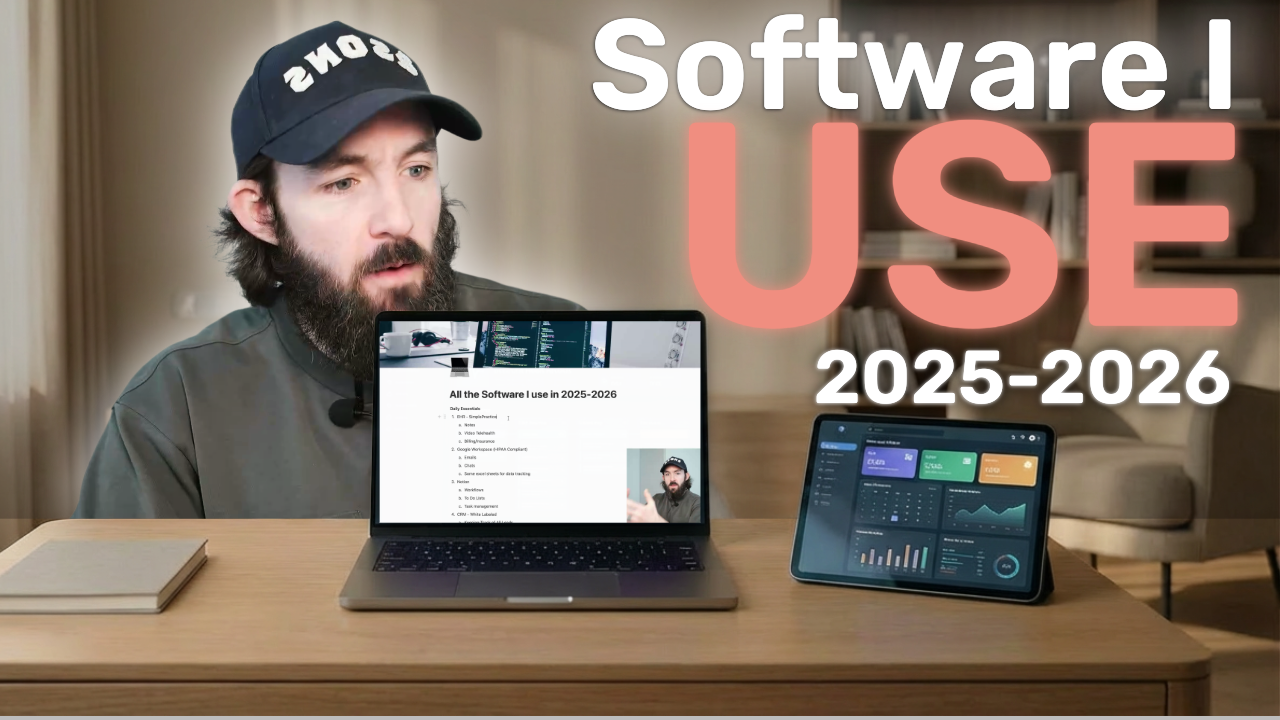
Running a private practice comes with a constant question: What tools do I actually need? With new platforms appearing every year — especially startup companies promising the world — it’s easy to sign up for too much, juggle too many logins, and still feel unsure about what’s essential.
Add in billing, notes, telehealth, directories, ads, team communication, and lead management… and suddenly your practice feels more like a tech stack than a business.
This guide is a transparent walkthrough of exactly what I use daily to run my practice going into 2026. No sponsorships. No gatekeeping. Just the systems that work for me — and how you might decide what works for you.
My Daily Essentials (The Core Four)
These are the four platforms I'm inside every single day, without fail.
1. SimplePractice (My EHR)
I use SimplePractice for nearly everything clinical:
Notes
Telehealth
Billing and insurance processing
Secure client messaging
SimplePractice is the backbone of my practice because it consolidates so many tasks into one place. I’m a big believer in minimalism here — fewer tools, fewer passwords, fewer headaches.
Even though I use Alma or Headway for specific types of billing, SimplePractice remains home base for documentation and active client management.
2. Google Workspace (HIPAA Compliant)
With a group practice and multiple team members, communication and collaboration matter.
I use Google Workspace for:
HIPAA-compliant email
G-Chat for quick communication
Google Sheets to track practice data and help with decision-making
It’s familiar, accessible, and easy for my team to adopt.
3. Notion (Organization + Task Management)
Notion is a powerful tool that I use primarily for:
Organization
To-do lists
Task management
Housing task details (like the outline for this video)
I keep it simple — Notion can be incredibly complex, but I focus on using it as a daily organization tool.
4. My CRM (Lead Management + Marketing Hub)
My CRM is essentially an EHR for leads. I use it to manage every marketing and intake-related process for my practice.
Here’s what happens inside it:
All leads flow into one unified pipeline
Visual tracking of where each lead is in the process
Texting + emailing
A built-in free booking link
Landing page creation for ad experimentation
Social media scheduling/management
Newsletter creation
Website forms that feed directly into the CRM
This is where I spend more time than almost any other platform — because this is where growth happens.
Marketing + Additional Tools I Use Regularly
Psychology Today
I host all my websites on Squarespace because:
It’s user-friendly
It allows for deeper customization if you want it
It supports SEO
You can build blog posts, multiple service pages, and complex site structures
Squarespace offers the flexibility beginners and more advanced users both need.
Alma
Alma is a startup — so read the fine print, understand the risks, and make sure their model fits your comfort level.
How I use it:
Insurance credentialing
Higher reimbursement rates than I could get on my own
Billing (only for the Alma-based insurance clients)
Directory/referrals (though referrals have slowed as they've grown)
All my notes and client information still live in SimplePractice.
Headway
Headway is also a startup, so again read the fine print and do your research about the company — it’s also free.
How it compares:
Similar to Alma for credentialing and billing
Allows you to set up a group practice (but clinicians must be fully licensed)
Directory hasn’t brought many referrals for me, but ROI is naturally positive because it’s $0
I mainly use it for billing for fully licensed clinicians in my group practice. The main reason I have kept using it is because it’s free.
Thrizer (Out-of-Network Benefits)
Thrizer is my solution when a client has insurance we don’t take.
What it does:
Verifies out-of-network benefits instantly
Acts as a middleman so neither our practice nor the client have to deal with insurance companies
Makes it easier for clients to say yes to working with us even if they are OON.
Meta Ads Manager + Google Ads Manager
These are the platforms I use to run and manage paid ads.
I’m always testing, experimenting, and optimizing.
Google My Business
This took focused work upfront — but it helped me reach the #1 search result in my local area for my target term. It remains a meaningful referral source.
Conclusion: Build a System That Works for You
This is the full list of every tool/platform I am using going into 2026. Not because they’re the “right” tools, but because they support the way I run my practice, communicate with my team, and manage my marketing.
Use this list as a roadmap — not a rulebook.
If you have questions or want support building your practice systems, feel free to reach out.
And if you want help with marketing, ads, or Google My Business optimization, you can schedule a free call using the link below to see if you qualify for our bespoke marketing service.
